

How to set up a group control for multiple Ultra - Long LED Strips?
Wed 04,2025
Leave a message
Setting up a group control for multiple Ultra - Long LED Strips can significantly enhance the lighting experience in various settings, whether it's for commercial displays, architectural lighting, or home decor. As a trusted Ultra - Long LED Strip supplier, I am here to guide you through the process step by step.
Understanding Ultra - Long LED Strips
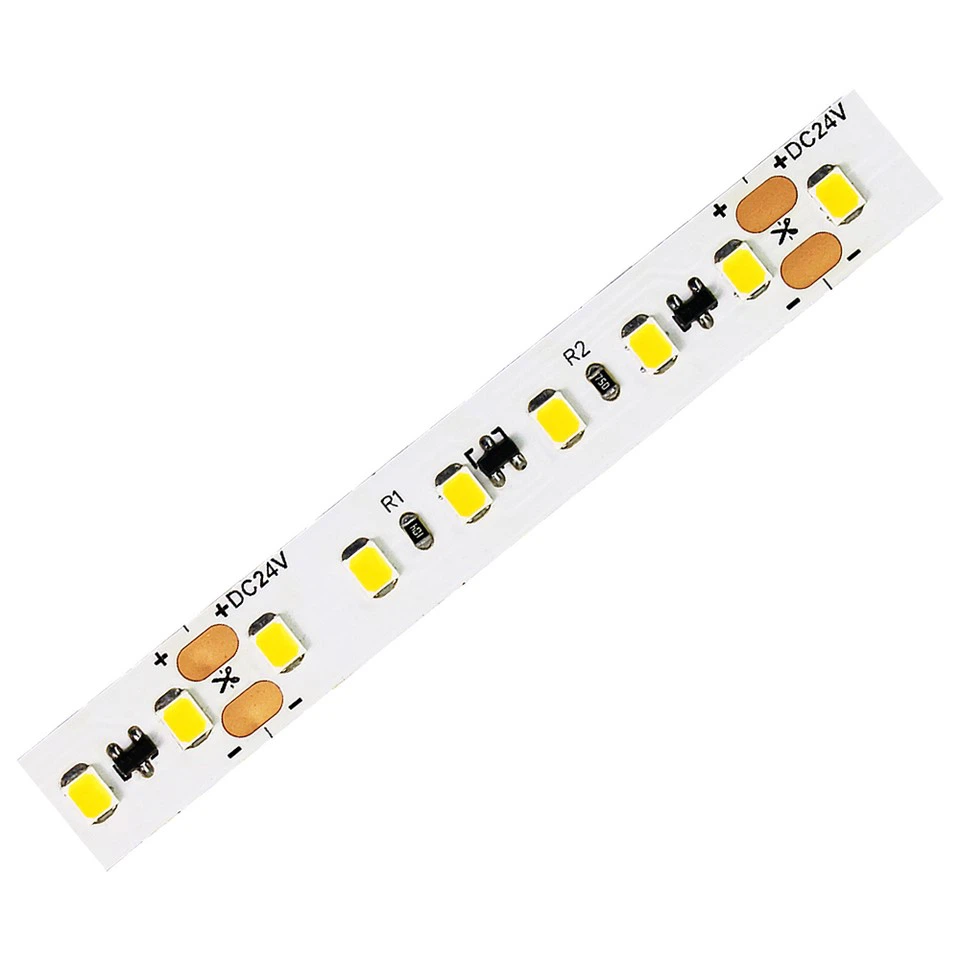
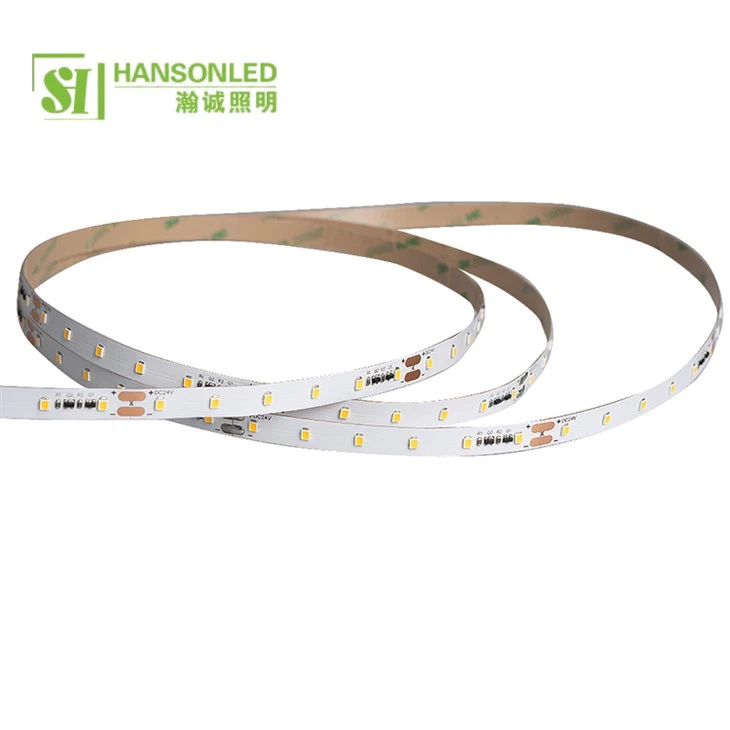
Before diving into group control, it's essential to understand the characteristics of Ultra - Long LED Strips. These strips are designed to provide continuous lighting over extended lengths, eliminating the need for multiple shorter strips and reducing connection points. They come in different densities, such as Long LED Light Strips 120 LED and Long LED Light Strips 60 LED, which offer different levels of brightness and lighting effects.
Benefits of Group Control
Group control allows you to manage multiple LED strips as a single unit. This offers several advantages:
- Simplified Operation: Instead of controlling each strip individually, you can adjust the settings of an entire group with just one command. This saves time and effort, especially in large - scale installations.
- Uniform Lighting Effects: By grouping the LED strips, you can ensure that they all display the same lighting effects simultaneously, creating a more cohesive and professional look.
- Customization: You can create different groups for different areas or functions, enabling you to customize the lighting according to your specific needs.
Step 1: Choose the Right Control System
The first step in setting up group control is to select a suitable control system. There are several types of control systems available in the market, each with its own features and capabilities.
Wireless Control Systems
Wireless control systems are becoming increasingly popular due to their ease of installation and flexibility. They use technologies such as Wi - Fi, Bluetooth, or ZigBee to communicate with the LED strips. Some wireless control systems come with mobile apps, allowing you to control the lighting from your smartphone or tablet. This is particularly convenient for home users who want to adjust the lighting settings on the go.
DMX Control Systems
DMX (Digital Multiplex) control systems are commonly used in professional lighting applications. They offer precise control over multiple LED strips and can support complex lighting effects. DMX systems use a standard protocol to transmit data between the controller and the LED strips. They require a DMX controller and a DMX cable to connect the strips. While DMX control systems are more expensive and require more technical knowledge to set up, they provide a high level of reliability and flexibility.
Step 2: Plan the Grouping
Once you have chosen the control system, you need to plan how you want to group the LED strips. Consider the following factors when creating the groups:
Physical Location
Group the LED strips based on their physical location. For example, you can group all the strips in a particular room or area together. This makes it easier to control the lighting in different parts of a building.
Function
You can also group the LED strips according to their function. For instance, you can create a group for general lighting and another group for accent lighting. This allows you to adjust the lighting levels and effects for different purposes.
Lighting Effects
If you want to create specific lighting effects, group the LED strips that will be used to achieve those effects. For example, if you want to create a color - changing effect, group the strips that will display the same color sequence.
Step 3: Install the Control System
After planning the grouping, it's time to install the control system. The installation process may vary depending on the type of control system you have chosen.
Wireless Control System Installation
- Pair the Controller: If you are using a wireless control system, you need to pair the controller with the LED strips. This usually involves following the instructions provided by the manufacturer to establish a wireless connection.
- Group the Strips: Once the controller is paired with the strips, you can use the control app or interface to create groups. Enter the relevant information for each group, such as the name and the strips included in the group.
DMX Control System Installation
- Connect the DMX Controller: Connect the DMX controller to a power source and use a DMX cable to connect it to the first LED strip in the chain.
- Set the Addresses: Each LED strip in a DMX system needs to be assigned a unique DMX address. This allows the controller to communicate with each strip individually. Follow the manufacturer's instructions to set the addresses correctly.
- Create Groups: Use the DMX controller's software or interface to create groups. Specify the DMX addresses of the strips in each group.
Step 4: Configure the Lighting Settings
After installing the control system and grouping the LED strips, you can start configuring the lighting settings.
Brightness and Color Adjustment
Most control systems allow you to adjust the brightness and color of the LED strips. You can increase or decrease the brightness to create different lighting moods, and you can select from a wide range of colors to suit your preferences.
Lighting Effects
Explore the different lighting effects available in the control system. These may include color - changing effects, fading effects, strobe effects, etc. You can customize the speed, intensity, and pattern of these effects to create unique lighting displays.
Step 5: Test and Optimize
Once you have configured the lighting settings, it's important to test the group control system to ensure that everything is working properly.
Check the Grouping
Verify that the LED strips are grouped correctly and that the control commands are being applied to the intended groups. Check if all the strips in a group are displaying the same lighting effects.
Adjust the Settings
If you notice any issues, such as uneven lighting or incorrect color display, make the necessary adjustments to the settings. You may need to fine - tune the brightness, color, or effects to achieve the desired results.
Maintenance and Troubleshooting
To ensure the long - term performance of your group - controlled Ultra - Long LED strips, regular maintenance is required.
Cleaning
Keep the LED strips clean by removing dust and debris regularly. Use a soft, dry cloth to wipe the surface of the strips. Avoid using harsh chemicals or abrasive materials, as they may damage the LED chips.
Firmware Updates
If your control system has firmware, make sure to keep it up - to - date. Firmware updates often include bug fixes and new features that can improve the performance of the control system.
Troubleshooting
In case of any problems, refer to the user manual of the control system for troubleshooting tips. Common issues may include connectivity problems, incorrect settings, or hardware failures. If you are unable to resolve the issue on your own, contact the manufacturer's customer support for assistance.
Conclusion
Setting up group control for multiple Ultra - Long LED strips is a rewarding process that can enhance the functionality and aesthetics of your lighting installation. By following the steps outlined in this guide, you can create a customized and efficient lighting system that meets your specific needs.
As an Ultra - Long LED Strip supplier, I am committed to providing high - quality products and excellent customer service. If you are interested in purchasing Ultra - Long LED Strips or have any questions about group control, please feel free to contact me. I look forward to discussing your lighting project and helping you achieve the perfect lighting solution.
References
- "LED Lighting Handbook" by Mark Rea and Nadarajah Narendran
- Industry whitepapers on LED lighting control systems
- Manufacturer's product manuals for Ultra - Long LED Strips and control systems
