

How to adjust the brightness of the 2835 LED Strip 240 LED?
Mon 23,2025
Leave a message
Hey there! I'm a supplier of 2835 LED Strip 240 LED, and today I wanna share with you how to adjust the brightness of these awesome LED strips. These 2835 LED strips are super popular for their energy - efficiency, long lifespan, and high - quality light output. Whether you're using them for home decoration, commercial lighting, or any other projects, being able to control the brightness is a key feature.
Understanding the Basics of 2835 LED Strip 240 LED
First things first, let's quickly go over what makes the 2835 LED Strip 240 LED so special. The "2835" refers to the size of the LED chips on the strip, which are 2.8mm by 3.5mm. The "240 LED" indicates that there are 240 individual LEDs on each meter of the strip. This high density of LEDs provides a very even and bright light distribution.
We also have other types of LED strips in our product range, like the 2835 LED Strip 1 LED Cut and the 2835 LED Strip 60 LED. And if you're interested in something different, we've got the 5mm LED Strip Light too.
Methods to Adjust the Brightness
1. Using a Dimmer Switch
One of the most common and straightforward ways to adjust the brightness of your 2835 LED Strip 240 LED is by using a dimmer switch. A dimmer switch works by changing the amount of electrical current flowing through the LED strip.
- Choosing the Right Dimmer: You need to make sure the dimmer switch you choose is compatible with your LED strip. Look for a dimmer that is specifically designed for LED lights. There are different types of dimmers, such as trailing - edge dimmers and leading - edge dimmers. Trailing - edge dimmers are usually better for LED strips because they are more efficient and cause less flickering.
- Installation: Installing a dimmer switch is not too difficult. First, turn off the power supply to the LED strip. Then, connect the dimmer switch between the power source and the LED strip according to the manufacturer's instructions. Once you've made the connections, turn the power back on and test the dimmer. You should be able to easily adjust the brightness by turning the dimmer knob or using the slider.
2. Pulse Width Modulation (PWM)
PWM is a more advanced method of brightness control. It works by rapidly turning the LED on and off at a high frequency. The percentage of time the LED is on (the duty cycle) determines the perceived brightness.
- PWM Controllers: You'll need a PWM controller to use this method. These controllers are available in different sizes and configurations. Some PWM controllers can be controlled via a remote control, while others can be connected to a smartphone app.
- Setting up a PWM System: Connect the PWM controller to your 2835 LED Strip 240 LED. Make sure to follow the wiring diagram provided with the controller. Once everything is connected, you can start adjusting the duty cycle using the controller. This method allows for very precise brightness control and is often used in professional lighting setups.
3. Voltage Regulation
Another way to adjust the brightness is by regulating the voltage supplied to the LED strip. However, this method requires more caution because LEDs are sensitive to voltage changes.
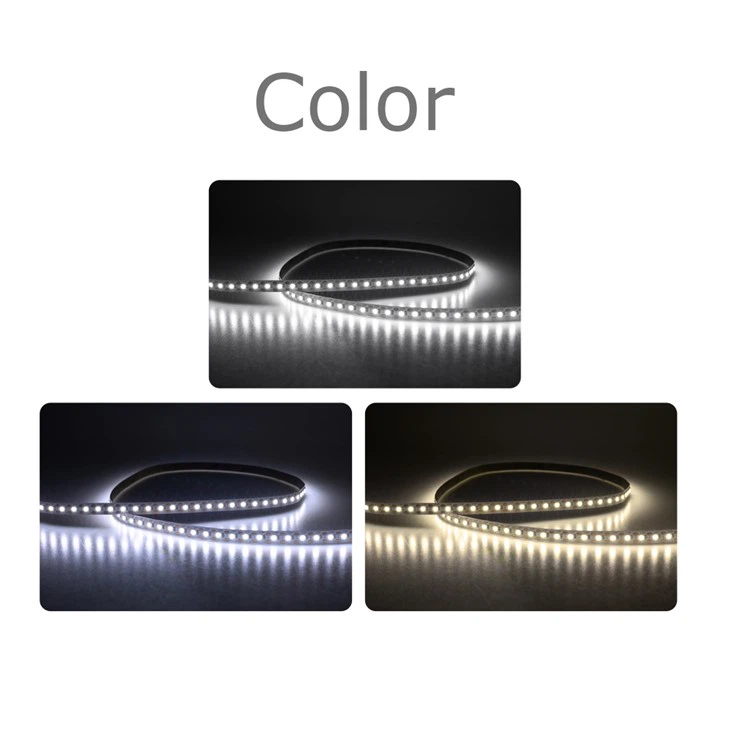
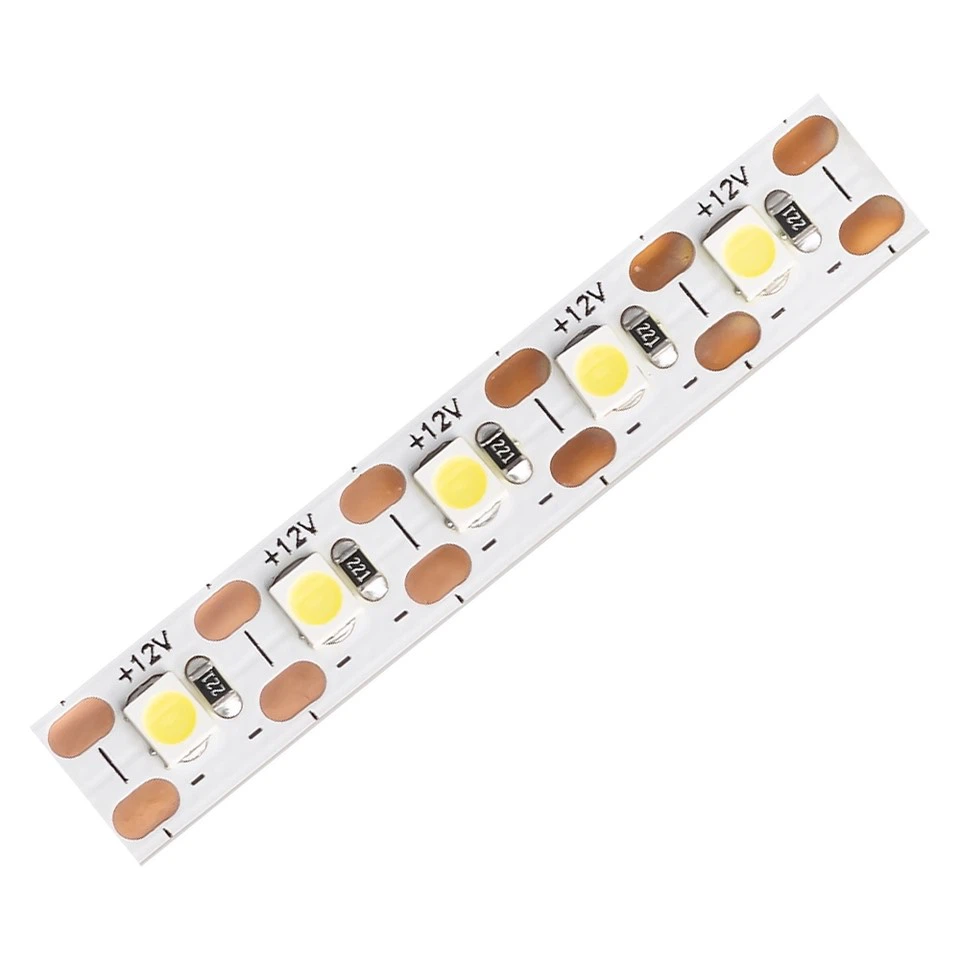
- Using a Voltage Regulator: A voltage regulator can be used to decrease or increase the voltage going to the LED strip. But you need to be careful not to go below or above the recommended voltage range for your 2835 LED Strip 240 LED. If the voltage is too low, the LEDs may not light up properly, and if it's too high, it can damage the LEDs.
- Calculating the Voltage: Before adjusting the voltage, you need to know the voltage requirements of your LED strip. Most 2835 LED strips operate at 12V or 24V. Calculate the appropriate voltage based on the brightness you want to achieve.
Factors to Consider When Adjusting Brightness
1. Heat Dissipation
As you increase the brightness of the LED strip, it will generate more heat. Heat can reduce the lifespan of the LEDs and affect their performance. Make sure your LED strip has proper heat dissipation. You can use heat sinks or install the strip in a well - ventilated area.
2. Color Temperature
Adjusting the brightness can also affect the color temperature of the light. As you dim the LED strip, the color temperature may shift slightly. This is something to keep in mind, especially if you're using the LED strip for a specific lighting effect where color accuracy is important.
3. Power Consumption
Increasing the brightness means higher power consumption. If you're using the LED strip in a large - scale project or for long periods, this can add up to significant energy costs. Consider the power consumption when adjusting the brightness and try to find a balance between the desired brightness and energy efficiency.
Troubleshooting Brightness Adjustment Issues
1. Flickering
If your LED strip is flickering when you adjust the brightness, it could be due to an incompatible dimmer switch or a loose connection. Check the connections first to make sure everything is secure. If the problem persists, try using a different dimmer switch.
2. Uneven Brightness
Uneven brightness can occur if there are issues with the LED strip itself or the power supply. Check for any damaged LEDs on the strip. Also, make sure the power supply is providing a stable voltage across the entire length of the strip.
Conclusion
Adjusting the brightness of your 2835 LED Strip 240 LED is not as complicated as it may seem. Whether you choose to use a dimmer switch, PWM, or voltage regulation, there are options available to suit your needs. Just remember to consider factors like heat dissipation, color temperature, and power consumption.
If you're interested in purchasing our 2835 LED Strip 240 LED or any of our other LED products, feel free to reach out to us for more information and to discuss your specific requirements. We're here to help you find the best lighting solutions for your projects.
References
- General knowledge about LED lighting technology
- Manufacturer's guides for 2835 LED Strip 240 LED and related products
