

How to control a COB LED strip?
Wed 30,2025
Leave a message
Hey there! As a supplier of COB LED strips, I've got a ton of experience and knowledge about these awesome lighting products. Today, I'm gonna share with you how to control a COB LED strip. Whether you're a DIY enthusiast looking to add some cool lighting to your space or a professional in the lighting industry, this guide will give you the lowdown on making the most of your COB LED strip.
Understanding COB LED Strips
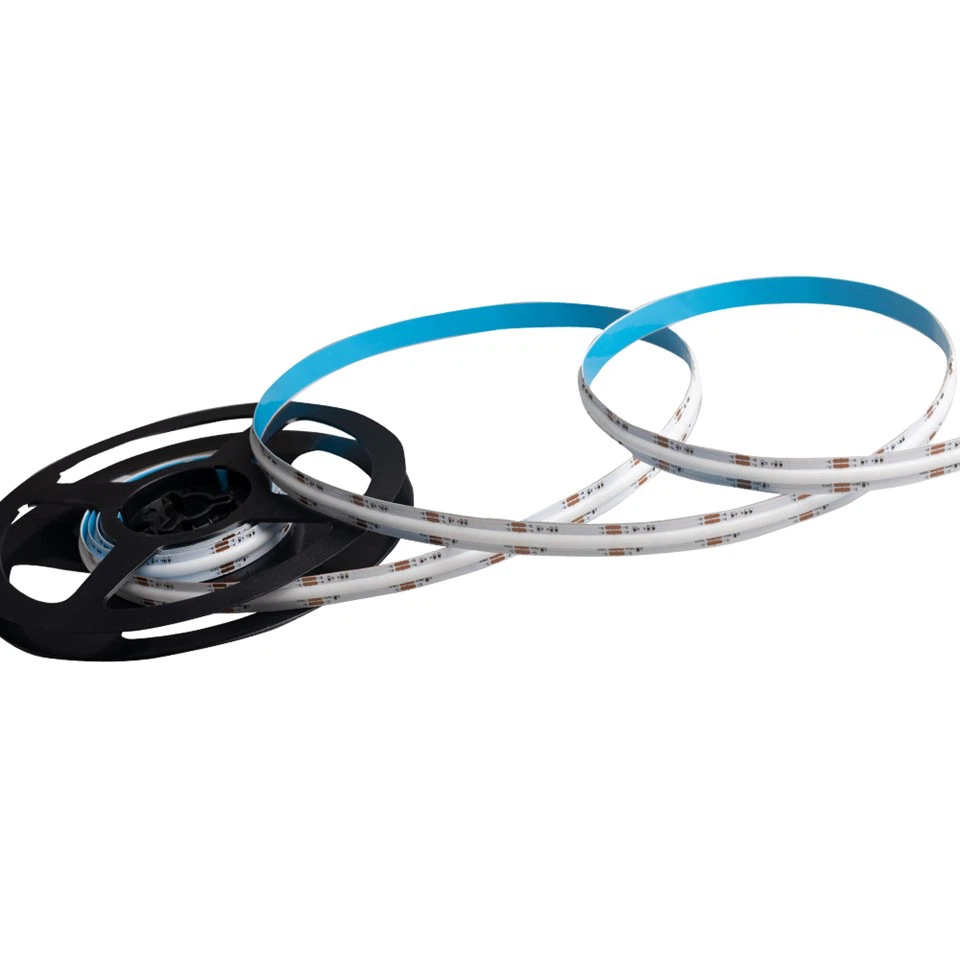
First things first, let's quickly go over what COB LED strips are. COB stands for Chip-on-Board, which means multiple LED chips are directly mounted onto a substrate. This design results in a high - density, uniform light source. There are different types of COB LED strips available, like the COB LED Strip 504 chips, RGBW COB LED Strip, and RGB COB LED Strip. The white COB LED strips are great for general lighting, while the RGB and RGBW ones offer a wide range of color options for creating dynamic lighting effects.
Power Supply
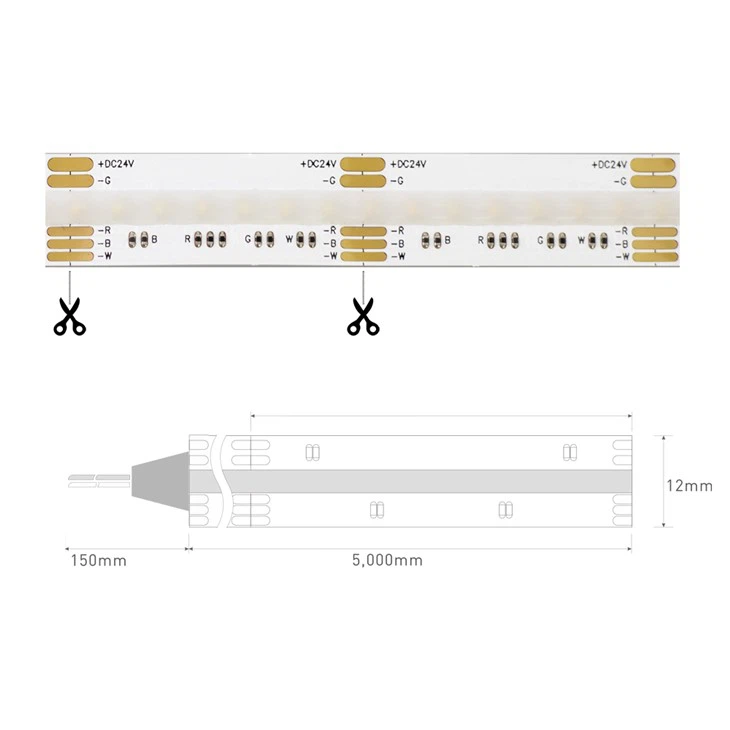
The first step in controlling a COB LED strip is getting the right power supply. COB LED strips typically operate on low - voltage DC power, usually 12V or 24V. You need to make sure that the power supply you choose can provide enough current for your LED strip. Check the specifications of your COB LED strip to find out its power consumption per meter. For example, if your strip consumes 10 watts per meter and you have a 5 - meter strip, you'll need a power supply that can handle at least 50 watts. Also, make sure to connect the power supply correctly. The positive and negative terminals of the power supply should match those of the LED strip.
Controlling the Brightness
One of the most common ways to control the brightness of a COB LED strip is through Pulse Width Modulation (PWM). PWM works by rapidly turning the LED strip on and off at a high frequency. By adjusting the ratio of the on - time to the off - time (duty cycle), you can control the perceived brightness of the LEDs.
There are several ways to implement PWM control. You can use a simple dimmer switch. These switches are easy to install and can be found at most hardware stores. Just connect the dimmer between the power supply and the LED strip. Another option is to use a smart controller. Smart controllers can be controlled via a smartphone app, allowing you to adjust the brightness from anywhere. Some smart controllers also support voice control, so you can use your voice assistant like Alexa or Google Assistant to change the brightness.
Controlling the Color (for RGB and RGBW Strips)
If you're using an RGB or RGBW COB LED strip, controlling the color is where the fun really starts. To control the color, you'll need a color controller. There are basic color controllers that come with a remote control. These remotes usually have buttons for different color presets and a color wheel for custom color selection.
For more advanced control, you can use a DMX controller. DMX (Digital Multiplex) is a standard protocol used in the lighting industry for controlling multiple lighting fixtures. With a DMX controller, you can create complex lighting sequences and synchronize multiple LED strips. You'll need to connect the DMX controller to the LED strip using a DMX decoder.
Using Sensors
Sensors can add an extra level of control to your COB LED strip. For example, a motion sensor can be used to turn the LED strip on when someone enters a room and off when they leave. This is great for areas like hallways and closets. A light sensor can be used to adjust the brightness of the LED strip based on the ambient light level. If it's bright outside, the LED strip can be dimmed, and if it's dark, it can be brightened.
Installation and Safety
When installing your COB LED strip, make sure to follow the manufacturer's instructions. Use the appropriate mounting clips or adhesive tape to secure the strip in place. Avoid bending the strip too sharply, as this can damage the LEDs.
Safety is also crucial. Always make sure the power supply is turned off before making any connections. Use insulated wires and connectors to prevent short - circuits. If you're not confident in your electrical skills, it's best to hire a professional electrician to install the LED strip and its control system.
Troubleshooting
Even with the best planning, you might encounter some issues with your COB LED strip. If the strip isn't lighting up at all, check the power supply. Make sure it's plugged in and providing the correct voltage. Check the connections between the power supply, the controller, and the LED strip to make sure they're secure.
If the color is off or the brightness is inconsistent, it could be a problem with the controller. Try resetting the controller or replacing the batteries in the remote control (if applicable). If the issue persists, it might be a problem with the LED strip itself. Contact the manufacturer for support.
Conclusion
Controlling a COB LED strip can be a lot of fun and can really transform the look of your space. Whether you're looking for simple brightness control or complex color sequences, there are plenty of options available. By choosing the right power supply, controllers, and sensors, you can create the perfect lighting setup for your needs.
If you're interested in purchasing COB LED strips or need more information about controlling them, don't hesitate to reach out. We're here to help you with all your lighting needs and can offer professional advice on the best products and control methods for your project. Let's work together to create amazing lighting solutions!
References
- LED Lighting Handbook
- Manufacturer's specifications of COB LED strips
