

How to connect the 3838 RGB LED Strip to a mobile app?
Thu 30,2025
Leave a message
As a supplier of 3838 RGB LED Strips, I'm excited to share a comprehensive guide on how to connect these vibrant lighting solutions to a mobile app. This process not only adds convenience but also unlocks a world of creative possibilities for your lighting setup.
Understanding the 3838 RGB LED Strip
Before diving into the connection process, let's briefly understand what the 3838 RGB LED Strip is. These strips are a popular choice in the lighting industry due to their high brightness, energy - efficiency, and flexibility. The "3838" refers to the size of the LED chips on the strip, which are 3.8mm x 3.8mm. RGB stands for Red, Green, and Blue, allowing you to create a wide spectrum of colors by mixing these primary colors.
Necessary Components
To connect your 3838 RGB LED Strip to a mobile app, you'll need the following components:
- 3838 RGB LED Strip: Of course, this is the star of the show. Make sure you have a high - quality strip from a reliable supplier like us.
- LED Controller: This device acts as the bridge between the LED strip and your mobile app. It receives signals from the app and controls the color, brightness, and other lighting effects of the strip.
- Power Supply: The LED strip requires a stable power source. Choose a power supply with the appropriate voltage and current rating for your strip.
- Smartphone or Tablet: You'll use your mobile device to install the app and control the LED strip.
Step - by - Step Connection Process
Step 1: Prepare the LED Strip and Controller
First, carefully unroll the 3838 RGB LED Strip and lay it out in the desired location. Ensure that the strip is not damaged or kinked. Next, take the LED controller and check its ports. There are usually ports for connecting the power supply, the LED strip, and sometimes for additional accessories.
Step 2: Connect the Power Supply
Connect the power supply to the LED controller. Make sure to match the positive and negative terminals correctly. Incorrect connections can damage the controller and the LED strip. Once connected, plug the power supply into a power outlet. You should see the controller light up, indicating that it's receiving power.
Step 3: Connect the LED Strip to the Controller
Find the appropriate ports on the controller for the LED strip. Most controllers have labeled ports for the red, green, blue, and ground wires of the strip. Connect the corresponding wires from the LED strip to the controller. Again, double - check the connections to ensure they are secure.
Step 4: Install the Mobile App
Search for the app compatible with your LED controller on your smartphone's app store. Download and install the app. The app is usually free and easy to install. Once installed, open the app and follow the on - screen instructions to set up an account if required.
Step 5: Pair the Controller with the Mobile App
In the app, look for the option to pair the controller. This may involve entering a code or scanning a QR code on the controller. Follow the app's instructions carefully to complete the pairing process. Once paired, you should see the LED strip respond to the commands from the app.
Exploring the App Features
Once the connection is established, you can start exploring the various features of the app. You can change the color of the LED strip to match the mood of the room. For example, you can set it to a warm white for a cozy atmosphere or a bright blue for a more energetic vibe.
The app also allows you to adjust the brightness of the strip. You can dim the lights for a relaxing evening or turn them up full - blast for a party. Moreover, many apps come with pre - programmed lighting effects such as fading, flashing, and strobing. These effects can add a dynamic touch to your lighting setup.
Complementary LED Strips
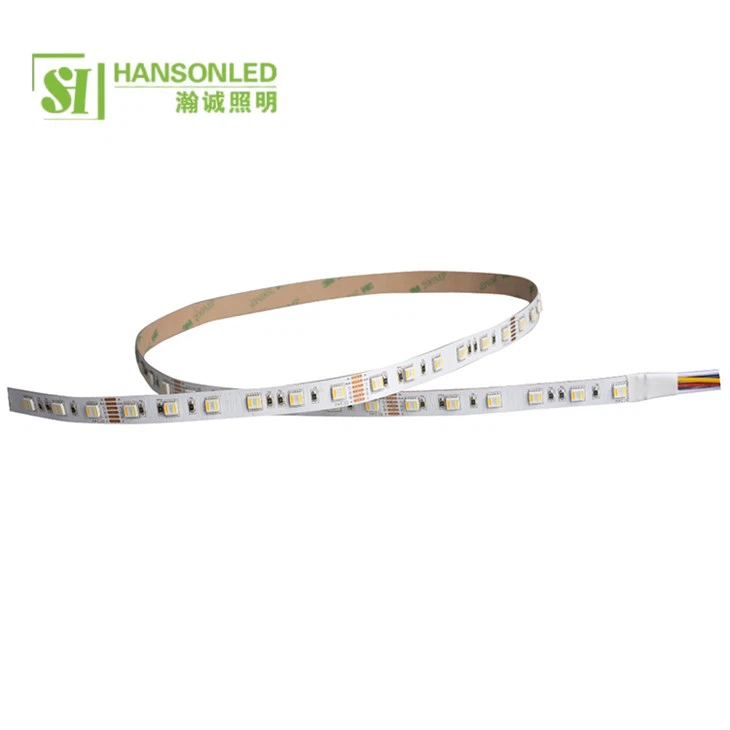
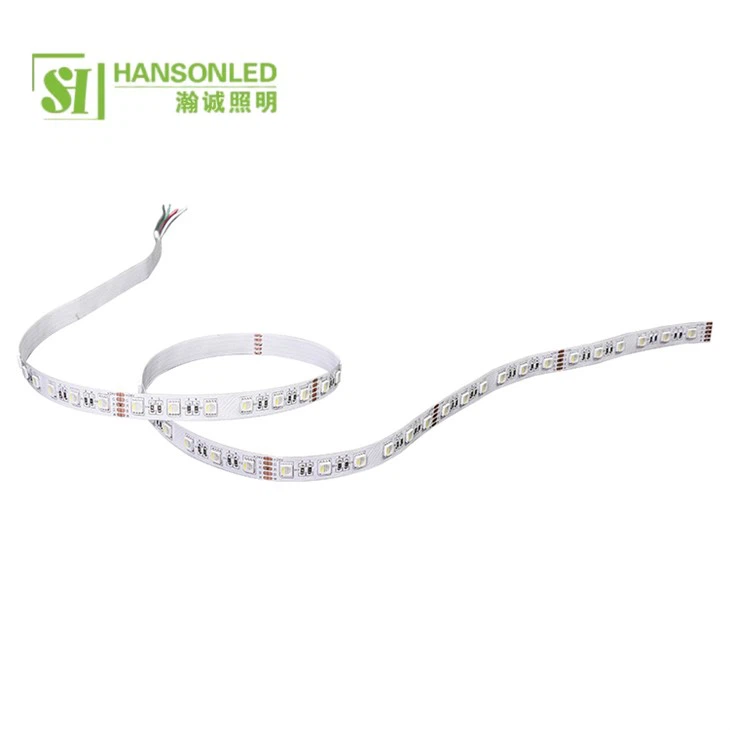
If you're looking for more options, we also offer RGBWW LED Strip and RGBW LED Strip. The RGBWW LED Strip combines RGB with warm and cool white LEDs, providing even more color temperature options. The RGBW LED Strip adds a white channel to the traditional RGB, allowing for pure white light in addition to the colorful spectrum. Another great option is our RGB LED Strip 120 LED, which offers higher brightness due to the increased number of LEDs per meter.
Troubleshooting
If you encounter any issues during the connection process or while using the app, here are some common problems and solutions:
- No Response from the LED Strip: Check the power connections to the controller and the strip. Make sure the power supply is working properly. Also, ensure that the wires are connected correctly.
- App Not Pairing with the Controller: Check if the controller is in pairing mode. Try restarting the app and the controller. If the problem persists, refer to the app's support section or contact our customer service.
- Inconsistent Lighting Effects: This could be due to a weak connection between the strip and the controller. Check the wire connections and make sure they are secure.
Why Choose Our 3838 RGB LED Strips
As a supplier, we take pride in offering high - quality 3838 RGB LED Strips. Our strips are made with the latest technology, ensuring long - lasting performance and vibrant colors. We also provide excellent customer service, so if you have any questions or concerns, our team is always ready to assist you.
Contact Us for Purchase and Consultation
If you're interested in purchasing our 3838 RGB LED Strips or any of our other lighting products, we'd love to hear from you. Whether you're a homeowner looking to add some flair to your living space or a business owner in need of stylish lighting solutions, we can provide the products and support you need. Feel free to reach out to us to discuss your requirements and get a quote.
References
- Lighting Industry Handbook: A comprehensive guide to LED lighting technology and applications.
- LED Controller Manufacturer's Manual: Provides detailed information on the operation and features of the LED controller.
