How to create a fade effect with an RGB LED module?
Fri 04,2025
Leave a message
Creating a fade effect with an RGB LED module can add a dynamic and engaging visual element to various projects, from home decor to professional lighting installations. As an RGB LED module supplier, I'm excited to share some insights on how to achieve this captivating effect.
Understanding RGB LED Modules
Before we dive into creating the fade effect, it's essential to understand what RGB LED modules are. RGB stands for Red, Green, and Blue - the primary colors of light. By combining these three colors in different intensities, we can produce a wide spectrum of colors.
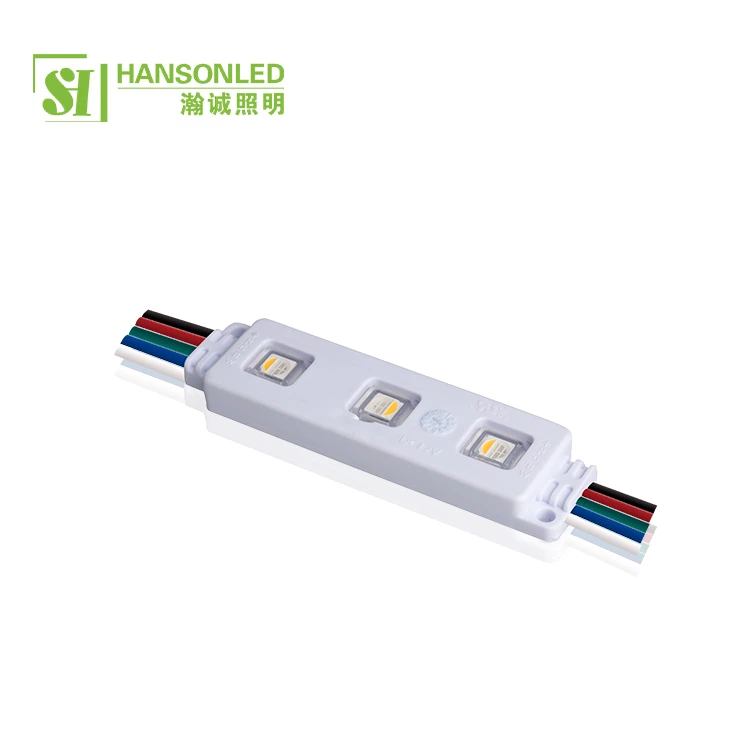
Our Led RGB Module is designed to offer high - quality, reliable performance. It consists of red, green, and blue LEDs integrated into a single module. Each color can be controlled independently, allowing for precise color mixing. Additionally, we also offer RGBW LED Module and RGB 3 LED Module, which provide even more options for color customization.
Required Tools and Components
To create a fade effect with an RGB LED module, you'll need the following:
- RGB LED Module: As mentioned, we offer a range of high - quality RGB LED modules to suit your needs.
- Microcontroller: An Arduino board is a popular choice for beginners due to its ease of use and wide availability. It can be programmed to control the RGB LED module.
- Breadboard and Jumper Wires: These are used to make the electrical connections between the microcontroller and the RGB LED module.
- Power Supply: Ensure that you have an appropriate power supply for your RGB LED module and microcontroller.
Connecting the RGB LED Module
The first step is to connect the RGB LED module to the microcontroller. Here's a basic guide on how to do it using an Arduino board:
- Identify the Pins: The RGB LED module usually has four pins: one for each color (red, green, blue) and a common pin. The common pin can be either common anode or common cathode, depending on the module.
- Connect to the Arduino: Connect the red, green, and blue pins of the RGB LED module to the PWM (Pulse Width Modulation) pins of the Arduino. PWM pins allow you to control the intensity of the LEDs. Connect the common pin to the appropriate power source (either 5V for common anode or GND for common cathode).
- Use a Breadboard: Use a breadboard and jumper wires to make the connections. This makes it easy to change the connections if needed.
Programming the Fade Effect
Once the hardware is connected, it's time to program the fade effect. Here's a simple Arduino code example:
// Define the pins for the RGB LED module
const int redPin = 9;
const int greenPin = 10;
const int bluePin = 11;

void setup() {
  // Set the RGB pins as output
  pinMode(redPin, OUTPUT);
  pinMode(greenPin, OUTPUT);
  pinMode(bluePin, OUTPUT);
}

void loop() {
  // Fade from red to green
  for (int redValue = 255; redValue >= 0; redValue--) {
    analogWrite(redPin, redValue);
    analogWrite(greenPin, 255 - redValue);
    analogWrite(bluePin, 0);
    delay(10);
  }

  // Fade from green to blue
  for (int greenValue = 255; greenValue >= 0; greenValue--) {
    analogWrite(redPin, 0);
    analogWrite(greenPin, greenValue);
    analogWrite(bluePin, 255 - greenValue);
    delay(10);
  }

  // Fade from blue to red
  for (int blueValue = 255; blueValue >= 0; blueValue--) {
    analogWrite(redPin, 255 - blueValue);
    analogWrite(greenPin, 0);
    analogWrite(bluePin, blueValue);
    delay(10);
  }
}
In this code:
- The
setup()function initializes the RGB pins as output pins. - The
loop()function contains threeforloops. Each loop fades between two colors. TheanalogWrite()function is used to control the intensity of each color, and thedelay()function is used to control the speed of the fade.
Advanced Fade Effects
Once you've mastered the basic fade effect, you can experiment with more advanced effects:
- Random Color Fades: Instead of fading between predefined colors, you can generate random colors and fade between them. This can create a more dynamic and unpredictable effect.
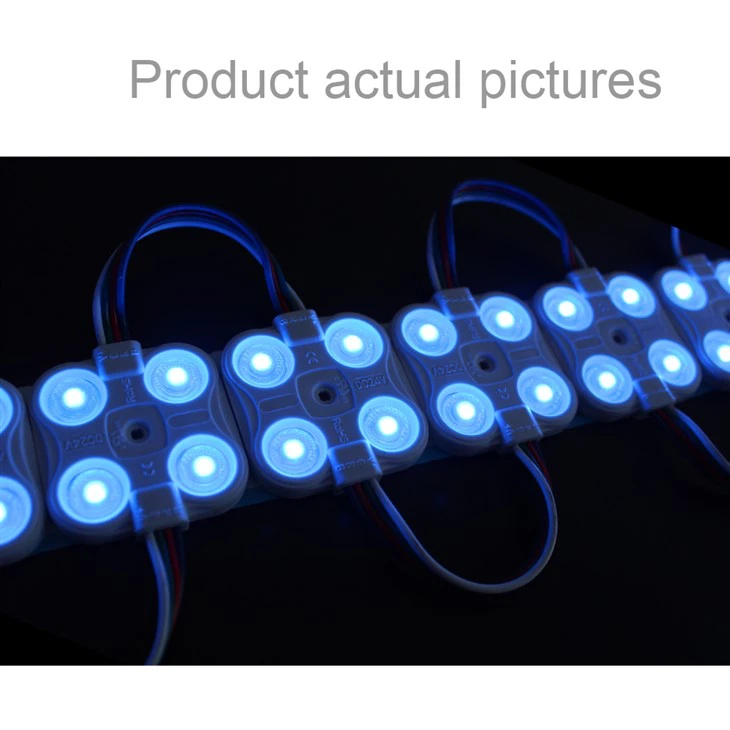
- Multiple RGB LED Modules: You can connect multiple RGB LED modules and synchronize their fade effects. This can be used to create large - scale lighting installations.
- Music - Synchronized Fades: By using a microphone module and an appropriate algorithm, you can synchronize the fade effect of the RGB LED module with the music.
Troubleshooting
If you encounter problems while creating the fade effect, here are some common issues and solutions:
- No Light Output: Check the connections to ensure that the RGB LED module is properly connected to the microcontroller and the power supply. Also, check the code to make sure that the correct pins are being used.
- Incorrect Colors: Make sure that the common pin of the RGB LED module is connected to the correct power source (either 5V for common anode or GND for common cathode). Also, check the code to ensure that the color values are being set correctly.
- Flickering Lights: This can be caused by a power supply issue or incorrect PWM settings. Try using a more stable power supply and adjusting the PWM frequency in the code.
Why Choose Our RGB LED Modules
As a supplier of RGB LED modules, we offer several advantages:
- High - Quality Products: Our RGB LED modules are made from high - quality materials and are rigorously tested to ensure reliable performance.
- Wide Range of Options: We offer Led RGB Module, RGBW LED Module, and RGB 3 LED Module, providing you with a wide range of color customization options.
- Technical Support: Our team of experts is available to provide technical support and assistance, whether you're a beginner or an experienced user.
If you're interested in purchasing our RGB LED modules for your projects, we invite you to contact us for a detailed discussion. We can help you choose the right module for your needs and provide any necessary technical support. Whether you're working on a small home project or a large - scale commercial installation, our RGB LED modules can add a stunning visual element to your work.
References
- Arduino Official Documentation
- Various online resources on LED lighting and microcontroller programming
So, don't hesitate to reach out and start creating amazing fade effects with our high - quality RGB LED modules!