

How to connect the 3838 RGB LED Strip to a smart home system?
Wed 10,2025
Leave a message
Hey there! As a supplier of 3838 RGB LED Strips, I'm super excited to share with you how to connect these awesome strips to a smart home system. It might sound a bit technical at first, but trust me, it's not as hard as it seems.
Why Choose 3838 RGB LED Strips?
First off, let's talk about why the 3838 RGB LED Strip is such a great choice. These strips are known for their high - brightness and vivid color display. They're flexible, so you can bend them around corners or shape them to fit your space. Whether you want to add some mood lighting to your living room, a cool glow to your bedroom, or even spruce up your workspace, these LED strips are up for the task.
Prerequisites
Before you start connecting your 3838 RGB LED Strip to a smart home system, you'll need a few things:
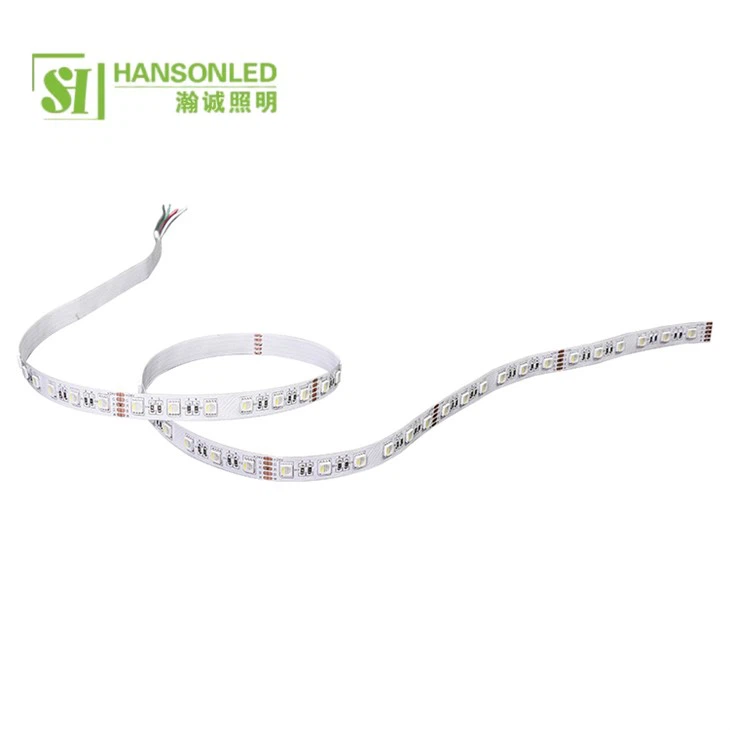
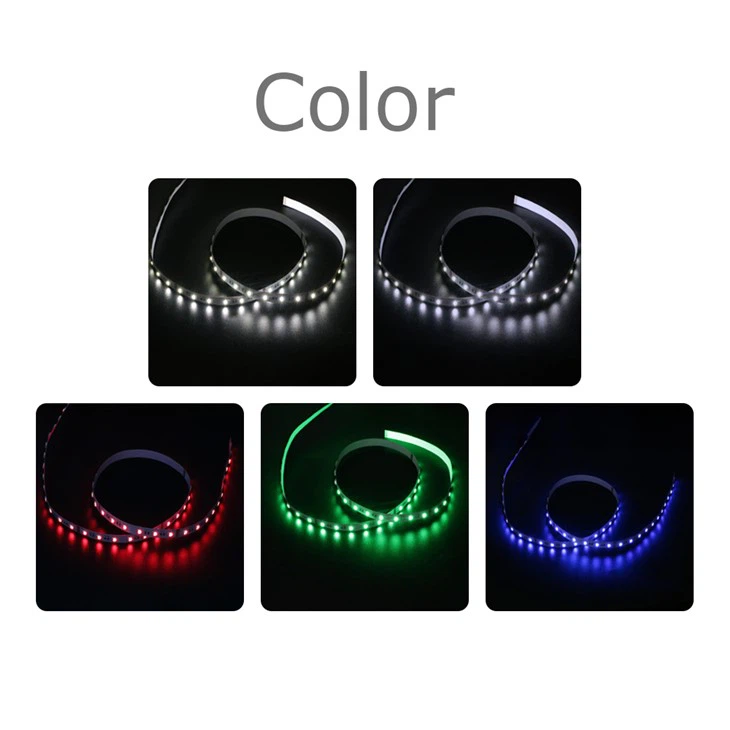
- 3838 RGB LED Strip: Of course, you need the star of the show. Make sure you have the right length for your project.
- Power Supply: The LED strip needs a proper power source. Check the voltage requirements of your strip and get a suitable power adapter.
- Smart Home Hub: This is the brain of your smart home system. Popular options include Amazon Echo, Google Home, or Samsung SmartThings.
- LED Controller: You'll need a controller that's compatible with your smart home hub and the 3838 RGB LED Strip.
Step - by - Step Connection Process
Step 1: Prepare the LED Strip
Unroll the 3838 RGB LED Strip and decide where you want to install it. Clean the surface where you'll be attaching the strip to ensure good adhesion. Most LED strips come with adhesive backing, so you can simply stick them in place.
Step 2: Connect the Power Supply
Find the power input on the LED strip. Usually, there are marked wires for positive and negative. Connect the positive wire of the power supply to the positive terminal on the LED strip and the negative wire to the negative terminal. Double - check the connections to avoid any short circuits.
Step 3: Connect the LED Controller
The LED controller allows you to control the colors and effects of the LED strip. Connect the controller to the LED strip. There are often specific ports or wires for this connection. Make sure you follow the instructions that come with the controller.
Step 4: Connect the Controller to the Smart Home Hub
Now, this is where the magic happens. Depending on your smart home hub, you'll need to connect the LED controller to it. Some controllers connect via Wi - Fi, while others use Bluetooth.
- Wi - Fi Connection: If your controller supports Wi - Fi, you'll need to connect it to your home Wi - Fi network. Open the app associated with your smart home hub and follow the setup instructions to add the LED controller as a new device.
- Bluetooth Connection: For Bluetooth - enabled controllers, turn on the Bluetooth on your smart home hub and put the controller in pairing mode. Once paired, you can start controlling the LED strip through the hub's app.
Step 5: Test the Setup
After all the connections are made, it's time to test. Open the app on your smartphone or use voice commands if your smart home hub supports it. Try changing the colors, adjusting the brightness, or playing with different lighting effects. If everything works as expected, congratulations! You've successfully connected your 3838 RGB LED Strip to a smart home system.
Troubleshooting
Sometimes, things don't go as smoothly as we'd like. Here are some common issues and how to fix them:
- No Power: Check the power supply connections. Make sure the power adapter is working and the wires are properly connected to the LED strip.
- Controller Not Connecting: If the controller won't connect to the smart home hub, check the Wi - Fi or Bluetooth settings. Make sure the controller is in the right pairing mode and within range.
- Color or Brightness Issues: If the colors look off or the brightness is inconsistent, there might be a problem with the LED strip or the controller. Check the connections and try resetting the controller.
Other RGB LED Options
If the 3838 RGB LED Strip isn't exactly what you're looking for, we also offer other great options. For example, the RGB LED Strip 120 LED has a higher density of LEDs, which means even brighter and more uniform lighting. And if you're interested in adding white light to your color options, the RGBW LED Strip is a perfect choice.
Conclusion
Connecting a 3838 RGB LED Strip to a smart home system is a fun and rewarding project. It allows you to transform your living space with just a few simple steps. Whether you're a tech enthusiast or just looking to add some flair to your home, these LED strips are a great addition.
If you're interested in purchasing our 3838 RGB LED Strips or any of our other products, feel free to reach out. We're always happy to help with any questions you might have and guide you through the purchasing process.
References
- LED Lighting 101: A Beginner's Guide to Understanding LED Technology
- Smart Home Systems for Dummies
