

How does a Pixel LED Strip work?
Mon 13,2025
Leave a message
Hey there! I'm a supplier of Pixel LED Strips, and today I'm super excited to take you on a journey to understand how these amazing Pixel LED Strips work.
First off, let's talk about what a Pixel LED Strip actually is. It's basically a flexible circuit board that's packed with tiny LED lights, or pixels. These strips are pretty cool because each individual pixel can be controlled independently. That means you can create all sorts of wild and wonderful lighting effects, like chasing lights, color fades, and even custom patterns.
So, how do these Pixel LED Strips work their magic? Well, it all starts with the electronics inside. At the heart of each pixel is a special chip that controls the color and brightness of the LED. These chips are designed to receive and process digital signals, which tell them what color to display and for how long.
The way the signals are sent to the pixels is through a communication protocol. One of the most common protocols used in Pixel LED Strips is the Serial Peripheral Interface, or SPI for short. This protocol allows for fast and reliable communication between the controller and the pixels. The controller sends a stream of data to the first pixel on the strip, and then that pixel forwards the data to the next one, and so on. This is known as daisy-chaining, and it's a really efficient way to control a long strip of pixels.
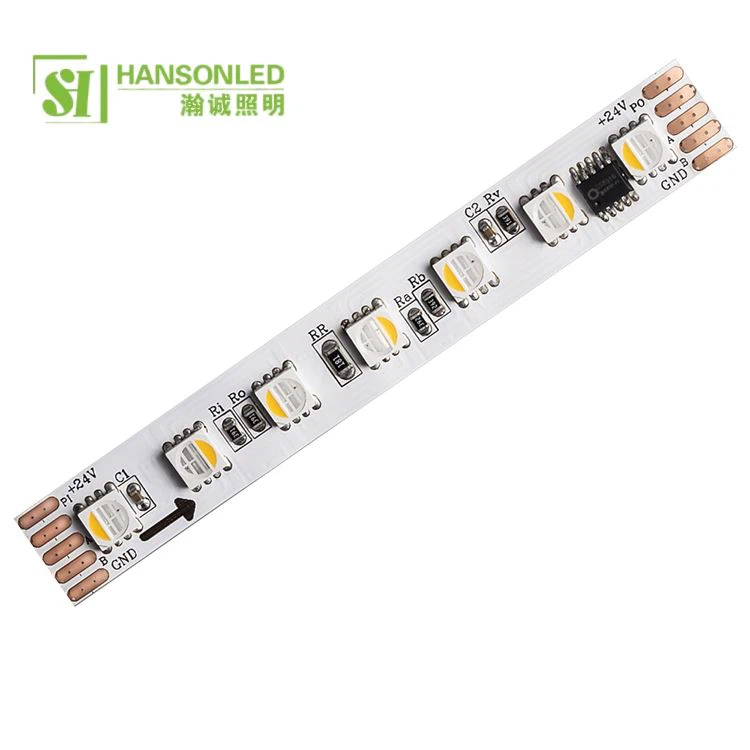
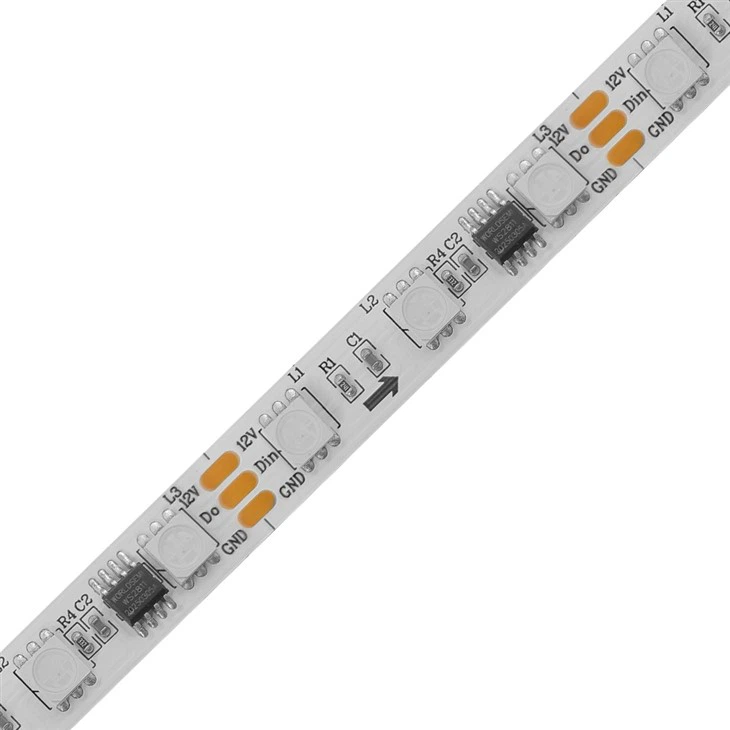
Let's take a closer look at the components of a Pixel LED Strip. As I mentioned earlier, each pixel has an LED and a control chip. The LED is responsible for emitting light, and it usually consists of three sub - LEDs: red, green, and blue. By mixing different intensities of these three primary colors, you can create almost any color you can imagine. The control chip, on the other hand, is like a little brain for the pixel. It takes the incoming data from the controller and uses it to adjust the brightness of the red, green, and blue sub - LEDs.
Now, let's talk about power. Pixel LED Strips need a power source to operate. Most strips are designed to work with a specific voltage, usually 5V or 12V. The power is supplied to the strip through a power connector, and it's important to make sure that the power supply can provide enough current to drive all the pixels on the strip. If you don't have enough power, the pixels might not light up properly, or they could even get damaged.
When it comes to setting up a Pixel LED Strip, you'll need a controller. The controller is what allows you to send commands to the pixels and create different lighting effects. There are all sorts of controllers available on the market, from simple remote - controlled ones to more advanced ones that can be programmed using a computer. Some controllers even come with built - in Wi - Fi or Bluetooth connectivity, which means you can control the strip using your smartphone or tablet.
Let's dive a bit deeper into the programming side. If you're using an advanced controller, you can write your own code to create custom lighting effects. This might sound a bit intimidating, but there are actually a lot of resources available online to help you get started. For example, you can use programming languages like Python or Arduino code to send commands to the pixels. You can create loops, conditional statements, and all sorts of other programming constructs to make the LEDs do exactly what you want them to do.
Now, I want to introduce you to some of the products we offer. We have the SPI RGB Strip 60leds Per Meter Addressable RGB Led Strip. This strip has 60 LEDs per meter, which means you can create really detailed and bright lighting effects. The SPI protocol ensures fast and reliable communication, so you won't have any lag when you're creating dynamic patterns.
Another great product is the Addressable LED Strip 1 LED Cut. This strip is really flexible because you can cut it every single LED. That's super handy if you need to customize the length of the strip for your specific project. You can easily cut it to the right size and then connect it back together using the provided connectors.
And then there's the Smart RGB LED Strip. This strip is designed to be really user - friendly. It comes with a smart controller that you can connect to your smartphone or tablet via Bluetooth. You can control the colors, brightness, and lighting effects right from your phone, which is really convenient.
One of the cool things about Pixel LED Strips is their versatility. They can be used in all sorts of applications. For example, they're great for home decoration. You can use them to add some mood lighting to your living room, bedroom, or even your kitchen. You can create a cozy and inviting atmosphere with just a few strips. They're also popular in the entertainment industry. You'll often see them used in stage lighting to create amazing visual effects during concerts, plays, and other shows.
In addition, Pixel LED Strips are used in automotive applications. You can use them to add some custom lighting to your car's interior or exterior. It gives your vehicle a unique and stylish look. And if you're into DIY projects, these strips are a must - have. You can use them to create all sorts of cool things, like illuminated signs, picture frames, or even wearable art.
If you're interested in purchasing Pixel LED Strips for your project, whether it's a small home decoration or a large - scale commercial installation, I'd love to talk to you. We can discuss your specific needs, help you choose the right product, and also offer you some advice on installation and programming. Just reach out, and we can start a conversation about how we can make your lighting project a success.
References:
- LED Technology Handbook
- Digital Lighting Control Manuals
